
Operator console
your settings, no code.
Run the console, create the first owner, and learn what each section does. Everything the app shows about your project is set here and needs no rebuild.
011. Run it
In PowerShell copy the file with Copy-Item .env.example .env. Generate the secret with node -e "console.log(require('crypto').randomBytes(32).toString('hex'))" (it needs no OpenSSL). Paths in .env may use forward slashes.
cd admin
npm ci
cp .env.example .env        # then fill in ADMIN_SECRET_KEY and GOOGLE_APPLICATION_CREDENTIALS
npm run build               # compiles to dist/
npm start # http://localhost:8790/admin| Variable | Meaning |
|---|---|
GOOGLE_APPLICATION_CREDENTIALS | Path to your Firebase service-account key (Firebase). |
FIREBASE_PROJECT_ID | Optional. Set it when the credentials do not name the project. |
ADMIN_SECRET_KEY | 32 random bytes in hex (openssl rand -hex 32). Encrypts the keys the console stores. Back it up: without it stored keys cannot be read. Without it the console writes data/.admin-secret-key and warns. |
ADMIN_DATA | sample = built-in sample data, no Firebase. Empty = your Firestore. |
ADMIN_DEMO_PASSWORD | Only for a public read-only demo console. Leave empty for your real console. |
FIRESTORE_EMULATOR_HOST | Local development with the Firestore emulator, for example 127.0.0.1:8080. |
DATABASE_URL | Optional Postgres for the console's own data instead of data/admin.sqlite. |
PORT | Default 8790. |
022. Create the first owner
On the first start the log prints a one-time setup code. Open /admin, choose "Create the owner", enter the code, your e-mail and a password of 12 or more characters. There is no open sign-up and no default password. Add managers and viewers later under Team, and turn on two-factor sign-in in your Account.
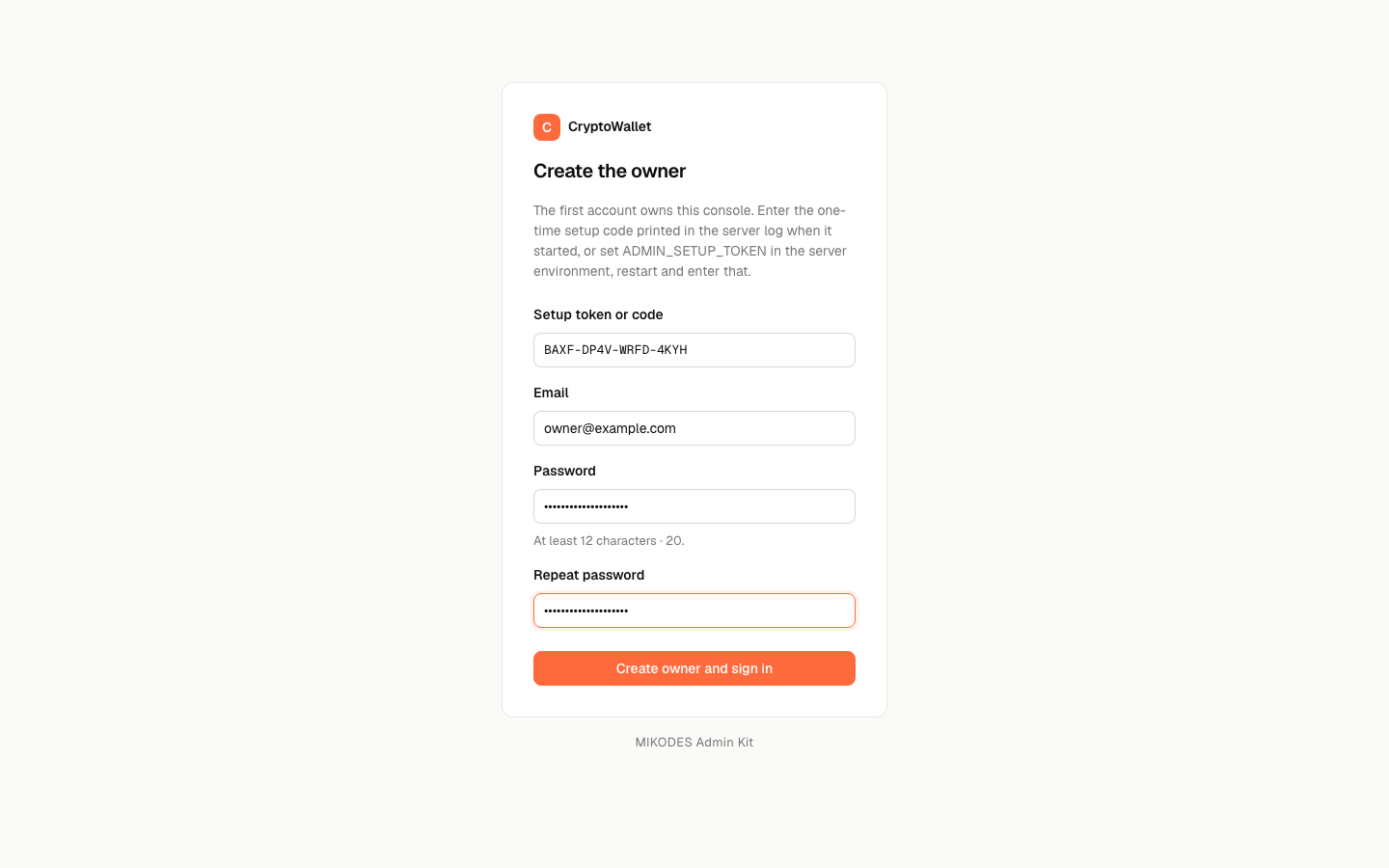
You can set the code yourself with ADMIN_SETUP_TOKEN and restart. Each start before the owner exists prints a new code. Keep the owner's password in a password manager.
033. Fill it in, in this order
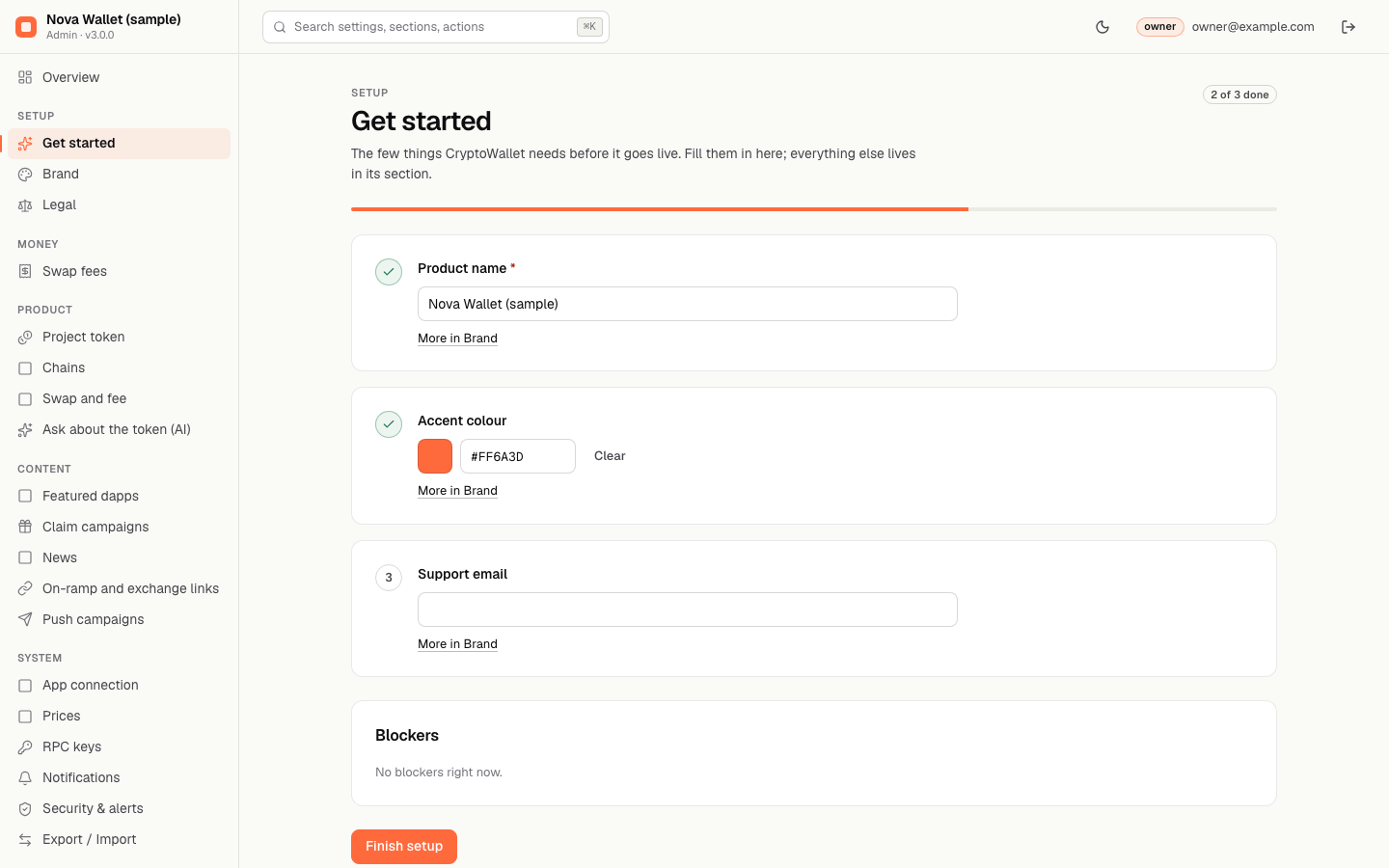
- LegalPrivacy and terms URLs, and the risk disclaimer shown in onboarding.
- BrandApp name, tagline, accent colour, logo (https URL), support e-mail, website.
- App connectionThe Firebase web API key.
- ChainsTurn on the networks your token lives on (Token, chains and RPC).
- Project tokenChain, contract, symbol, decimals, logo, links.
- Swap and fee0x key, your fee address and share (Swap fee).
- Prices, News, Featured dapps, Claim campaigns, Ask about the tokenAs you need them.
- StatusShows what is still missing.
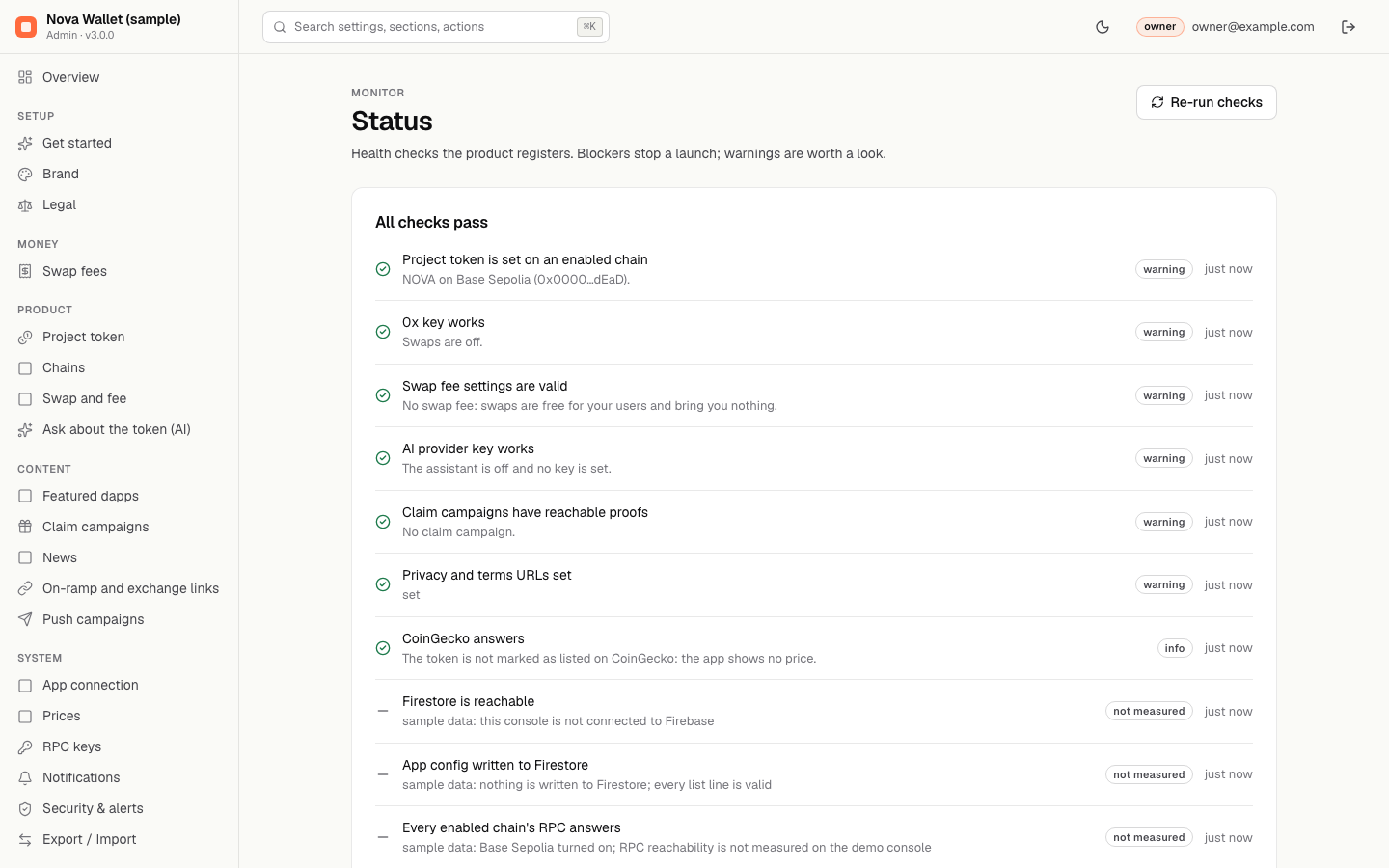
Each save writes the app's configuration to Firestore and raises a version number. Invalid list lines are skipped, never guessed, and the Status page lists every skipped line. The app refreshes its configuration at start and every ten minutes while open.
04The console, section by section
| Section | What it controls |
|---|---|
| Overview | Accounts, active and new today, push devices, calls this month, AI calls today. Real counts only; a number that is not measured says so. |
| Brand, Legal | Name, colours, logo, policy links. |
| Swap fees | Your recipient addresses with an explorer link per chain, their share and the fee token. No amounts and no totals: the fee is paid on-chain, so only the explorer knows what arrived. |
| Project token, Chains, RPC keys | Token, chains and RPC. |
| Swap and fee, Prices | Swap fee and the CoinGecko plan, key, budget and cache time. |
| Ask about the token (AI) | Assistant. |
| Featured dapps, News, Claim campaigns, On-ramp and exchange links, Push campaigns | News, dapps and push and Claims. The on-ramp and exchange links are off and empty by default and always labelled as partner links. |
| Notifications, Security and alerts, Export / Import | The Admin Kit's own sections: console alerts, security options, settings export and import. |
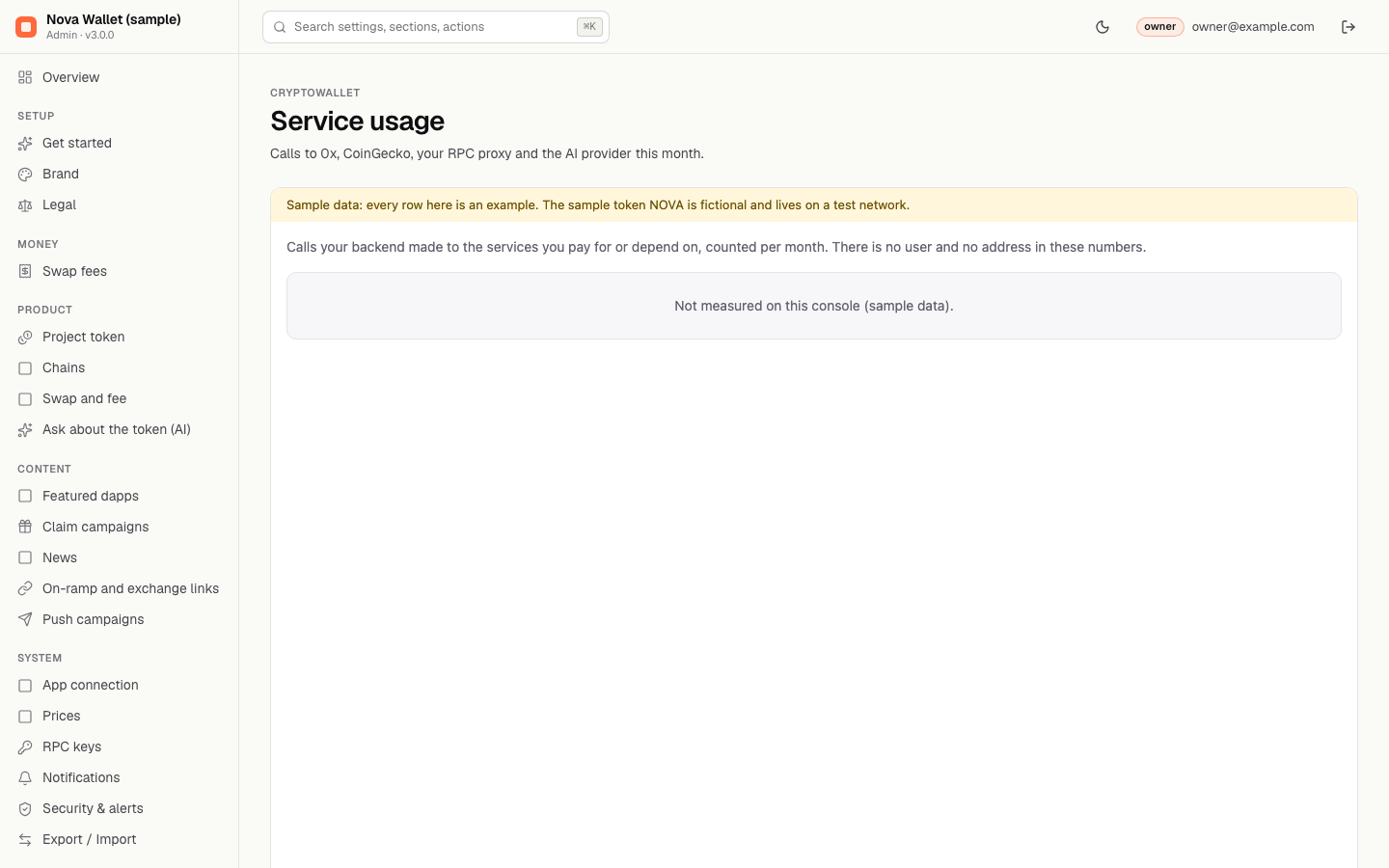
| Link clicks, Service usage | Taps on your partner links and featured dapps (counts only); calls and errors per month to 0x, CoinGecko, the RPC proxy and the AI provider. |
| Status, Audit log, History, Team | Health checks, who changed what, setting history with rollback, and roles (owner, manager, viewer). |
054. Host it
- Any Node 26 LTS host (VPS, Render, Railway, Fly, a container):
npm ci && npm run build && npm start. The console keeps its own data (team, sessions, settings, audit) indata/admin.sqlite. Putdata/on a persistent disk and back it up together withADMIN_SECRET_KEY. Run one instance. - Docker:
docker build -t cryptowallet-admin . && docker run -p 8790:8790 -v cryptowallet-admin-data:/app/data --env-file .env cryptowallet-admin - Serverless or several instances: set
DATABASE_URLto a Postgres database. - Put HTTPS in front of it. The session cookie is marked Secure over HTTPS.
The console is the only writer of the app's configuration. If it is offline, the app keeps working with the last configuration it received.