
● Set up · Make it yours
Rebranding
name, colours, icons, application id.
What you change in the console without a rebuild, and what needs a change in the Android project.
01In the console (no rebuild)
Windows
The console part is a form. The project part below uses a text editor and, for the build, .\gradlew.bat in PowerShell.
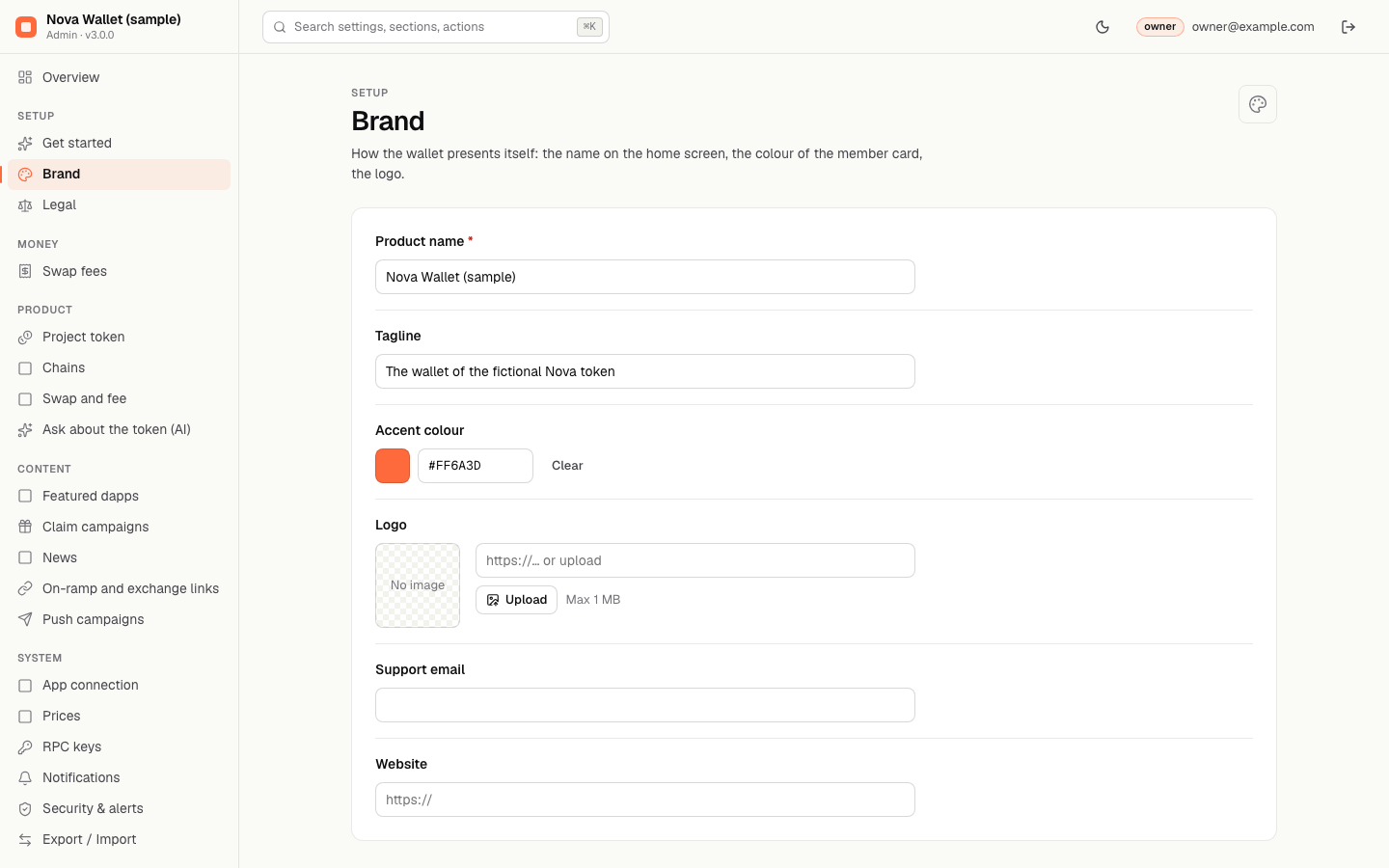
- Brand: app name shown inside the app, tagline, accent colour (a hex value such as
#FF6A3D; the holder card uses it, and the app picks dark or light text on top for contrast), logo (an https image URL), website, support e-mail. - Project token: the token's name, symbol, logo and links.
- Legal: privacy and terms URLs and the disclaimer.
02In the Android project (needs a rebuild)
| What | Where |
|---|---|
| Application id | app/app/build.gradle.kts, defaultConfig { applicationId = "com.yourcompany.cryptowalletpro" }. Change it to your own reverse-domain id, for example com.acme.wallet. Leave namespace as it is: the code's package name does not have to match the application id. |
| Version | The same file: versionCode (an integer that must increase with every upload) and versionName (shown to users). Set your own before your first release. |
| Launcher name | app/app/src/main/res/values/strings.xml, app_name. |
| Launcher icon | app/app/src/main/res/drawable/ic_launcher_foreground.xml (an adaptive-icon vector) and the background colour ic_launcher_background in res/values/colors.xml. In Android Studio use Right-click res, New, Image Asset to generate icons from your own artwork. |
| Backend address | Build property -PapiBaseUrl (Installation), or the default in build.gradle.kts. |
Replace the launcher icon with your own artwork, and use your own artwork in the store listing.
Do this before the first release
The application id is permanent once an app is on Google Play, and cannot be changed later. Pick it first.
03After rebranding
cd app
./gradlew :app:assembleDebug -PapiBaseUrl=https://<region>-<project-id>.cloudfunctions.net/api
Install it and check the name under the launcher icon, the colour of the holder card and your token on the home screen.