● Features 3.1 · Console and app
Chart and alerts
see the price, get told when it moves.
A 1 day to 1 year chart of the project token and price alerts sent as push notifications.
01What it does
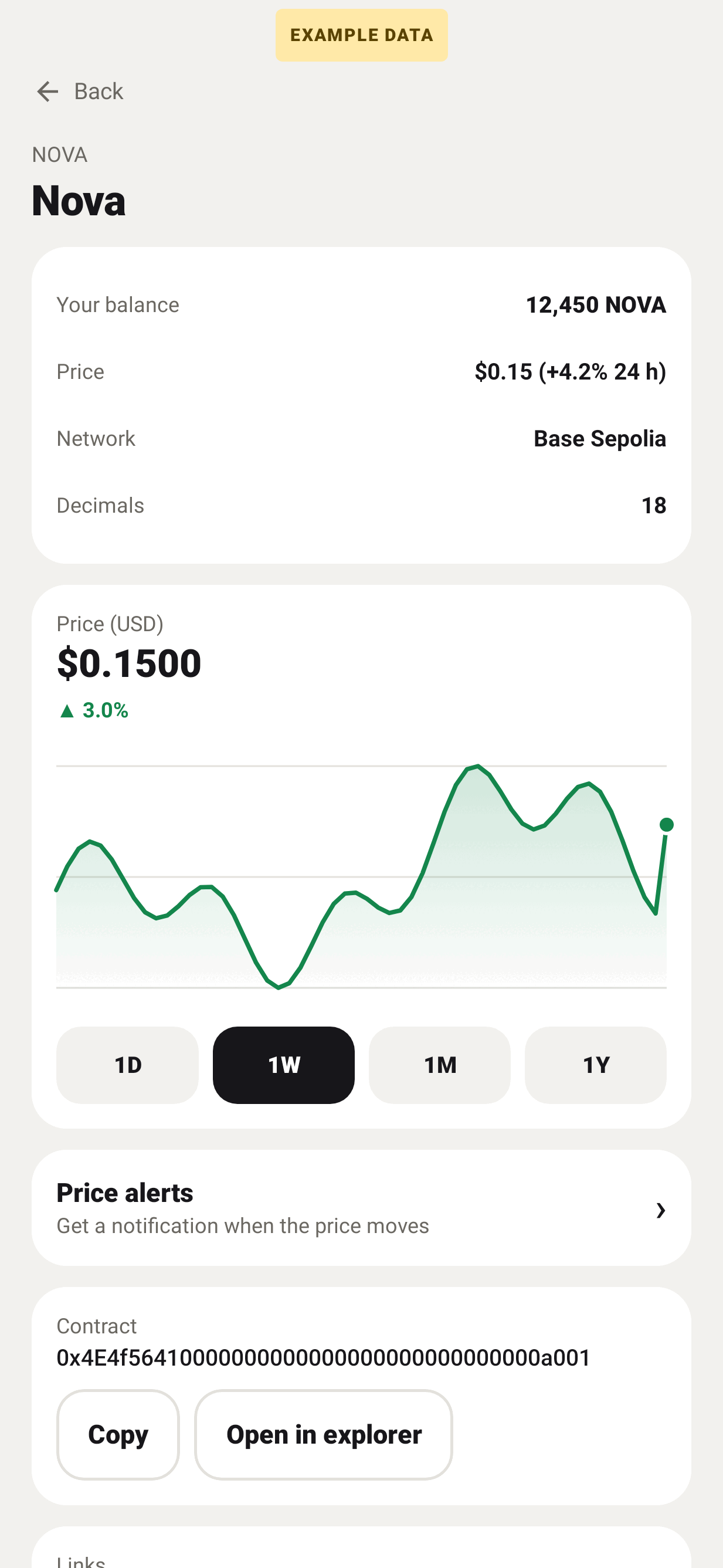
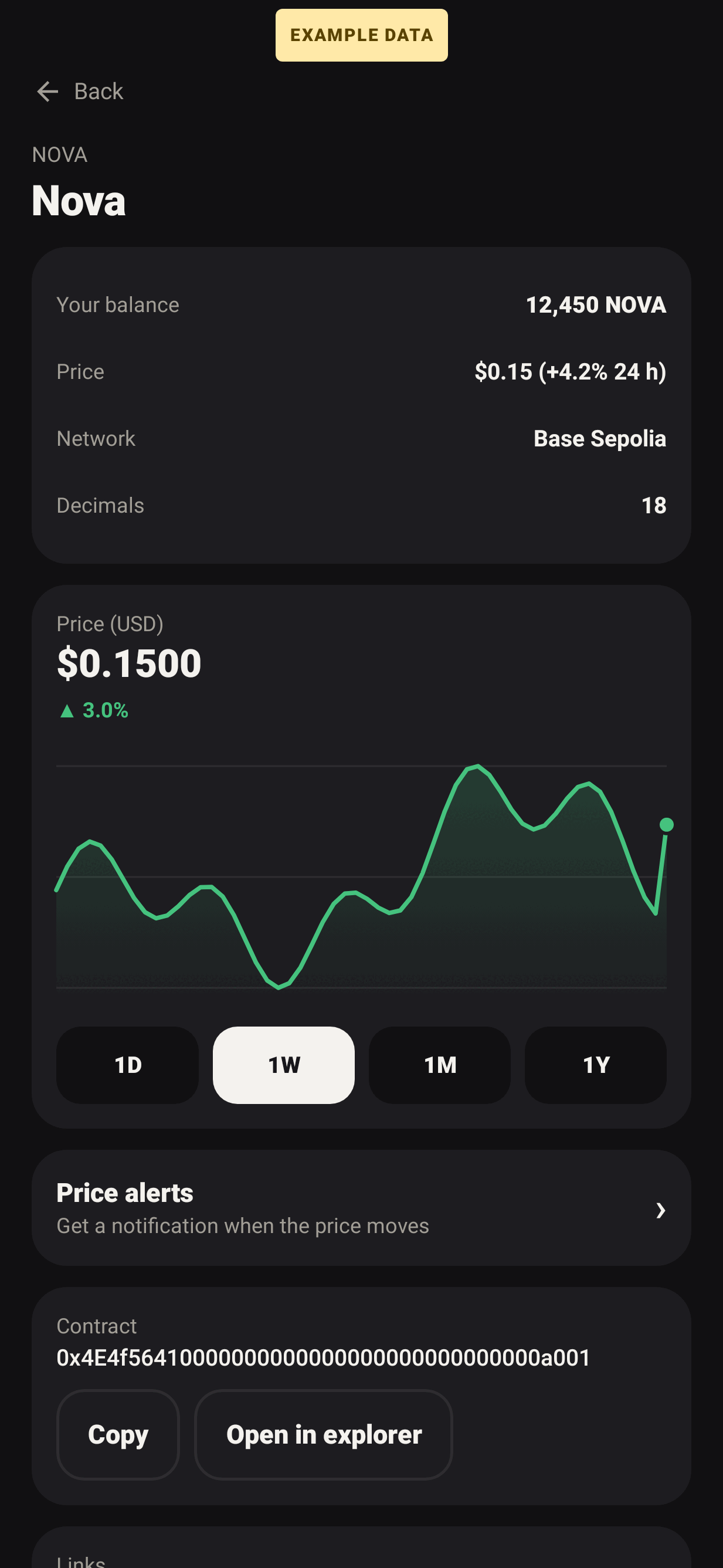
The token page can show a price chart for 1 day, 1 week, 1 month and 1 year. Holders can also set alerts: price above, price below, or a 24 hour move of a chosen percent. An alert is delivered once as a push notification. Alerts are tied to the installation of the app, not to a person or a wallet address.
02Switch it on in the console
- PricesThe chart and the alerts use the same CoinGecko setup as the price on the home card. In Project token tick that the token is listed on CoinGecko, and enter your plan and key under Prices if you have one.
- Holder featuresSwitch on Token chart and, separately, Price alerts.
- PushAlerts reach holders only when push is set up: your own
google-services.jsonin the app and Firebase Cloud Messaging on your project (see Push). Without it an alert waits and nothing is delivered. - DeployAlerts add a Firestore index and a scheduled function. See Firebase, alerts deploy.
03What the holder sees
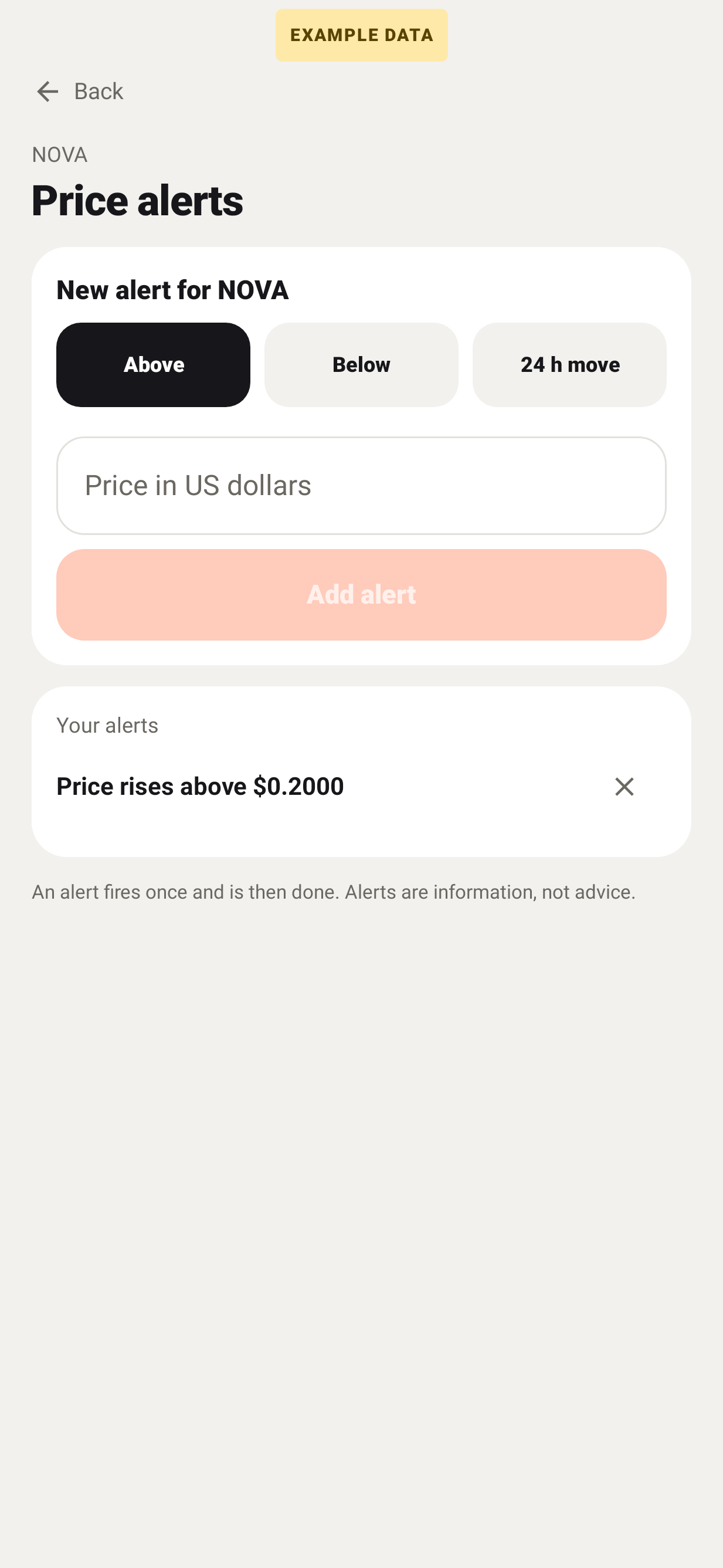
A range switch above the chart and a list of alerts below it. An alert is a short sentence such as "Tell me when NOVA is at or above $2". At most ten active alerts per installation. When an alert fires, the notification opens the token page.
04Costs and limits
- Chart data is cached for at least five minutes per range and shared by all users, so it uses little of your CoinGecko budget. If CoinGecko is down the last copy is served.
- A token that is not listed on CoinGecko has no chart: the chart stays hidden.
- The scheduled function runs every five minutes. It uses Cloud Scheduler and a few Firestore reads per run, billed by Google on your Blaze plan. See Costs.
- The chart is information. Nothing in it is a forecast or advice.
05Security notes
- An alert holds only an installation id, the condition and a value. No wallet address, balance or key is sent.
- Each alert is claimed in a transaction before the push is sent, so it fires once.
- Calls are rate limited per IP.