● Features 3.1 · Console and app
Collectibles
the project's own NFT collections.
Show the NFTs of up to five of your collections that a holder owns, with images, and send them.
01What it does
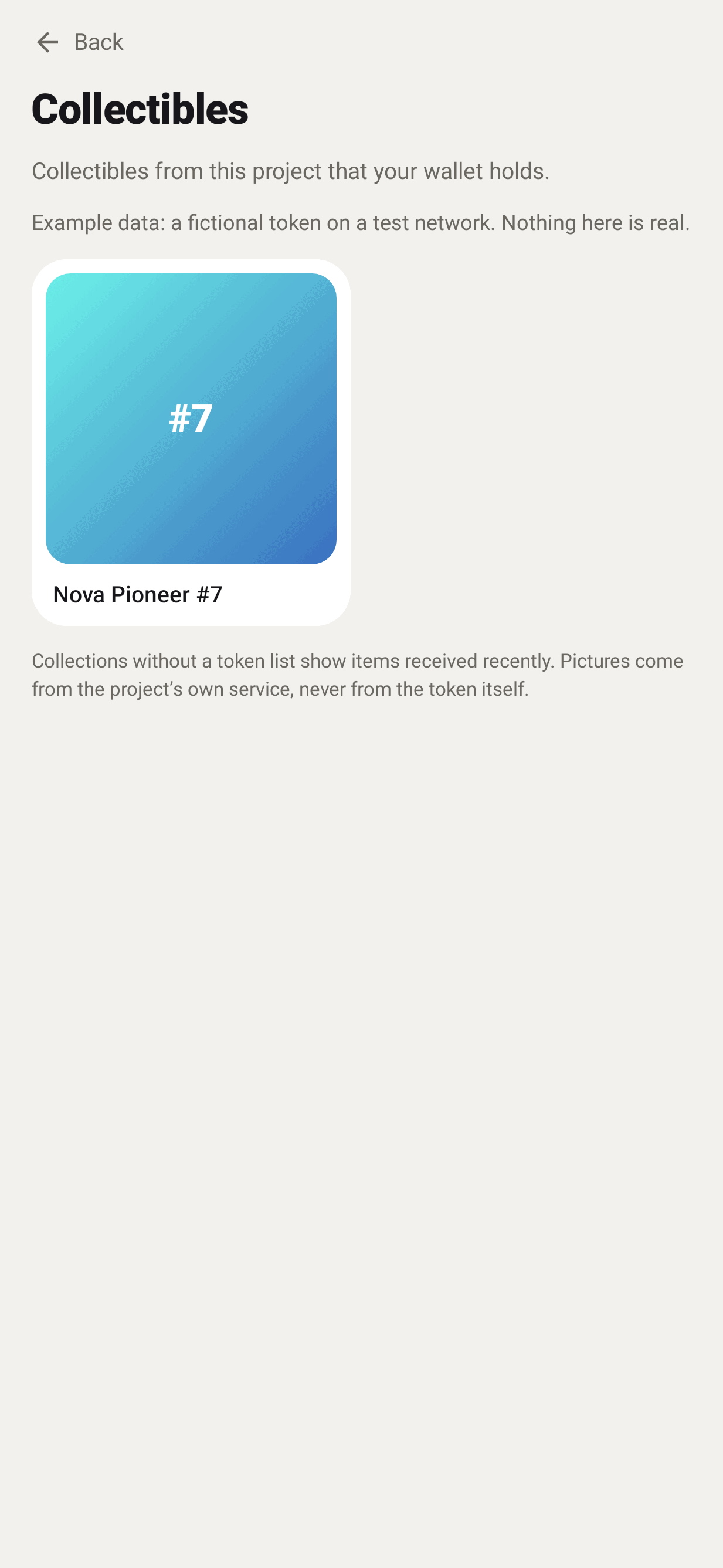
The wallet shows the items of your collections that the holder owns as a grid with images and traits, and lets the holder send an item. Only the collections you list are shown. This is a gallery of your project's items, not a marketplace.
02Switch it on in the console
- CollectiblesAdd one line per collection:
chain id|0xcontract|erc721 or erc1155|Name|token ids. The chain must be switched on under Chains. - Token idsFor ERC-1155 list the ids (up to 20) that your backend may serve. For ERC-721 they are optional and, if given, act as an allowlist.
- SaveUp to five collections. Duplicates and invalid lines are dropped and reported on the Status page.
03What the holder sees
A Collectibles entry appears once a collection is configured: a grid, a detail page with name, description and traits, and a Send action. Send goes through the signing screen, which says that an item of that collection is being sent and to whom.
04Security notes
- SSRF guard. Metadata and images are fetched by your backend, not the phone. Every outgoing address must be public: no private, loopback, link-local or cloud-metadata address, no IP literals, no credentials, no redirects, default ports only, 8 seconds, at most 256 KB of JSON.
ipfs://goes only to three allowlisted gateways. - Images. The app never receives a raw image URL: it gets a signed token and the backend re-resolves the image. Only PNG, JPEG, GIF, WebP and AVIF up to 3 MB are served; SVG is refused and the file's first bytes must match its type.
- Warning for addresses you did not list. A transfer of an item from a collection that is not in your configuration is shown with the "new address" warning and needs a tick, because the wallet cannot tell what the item is.
- Only the collections and ids you listed are served; anything else answers "not found" before any network call.