
Security model
non-custodial, explained.
Where keys live, what the signing screen checks, how swaps are verified and how the dapp browser is limited. Read it so you can describe your wallet accurately.
01Keys stay on the phone
This page has no commands. The tests it mentions run with .\gradlew.bat :core:test in PowerShell.
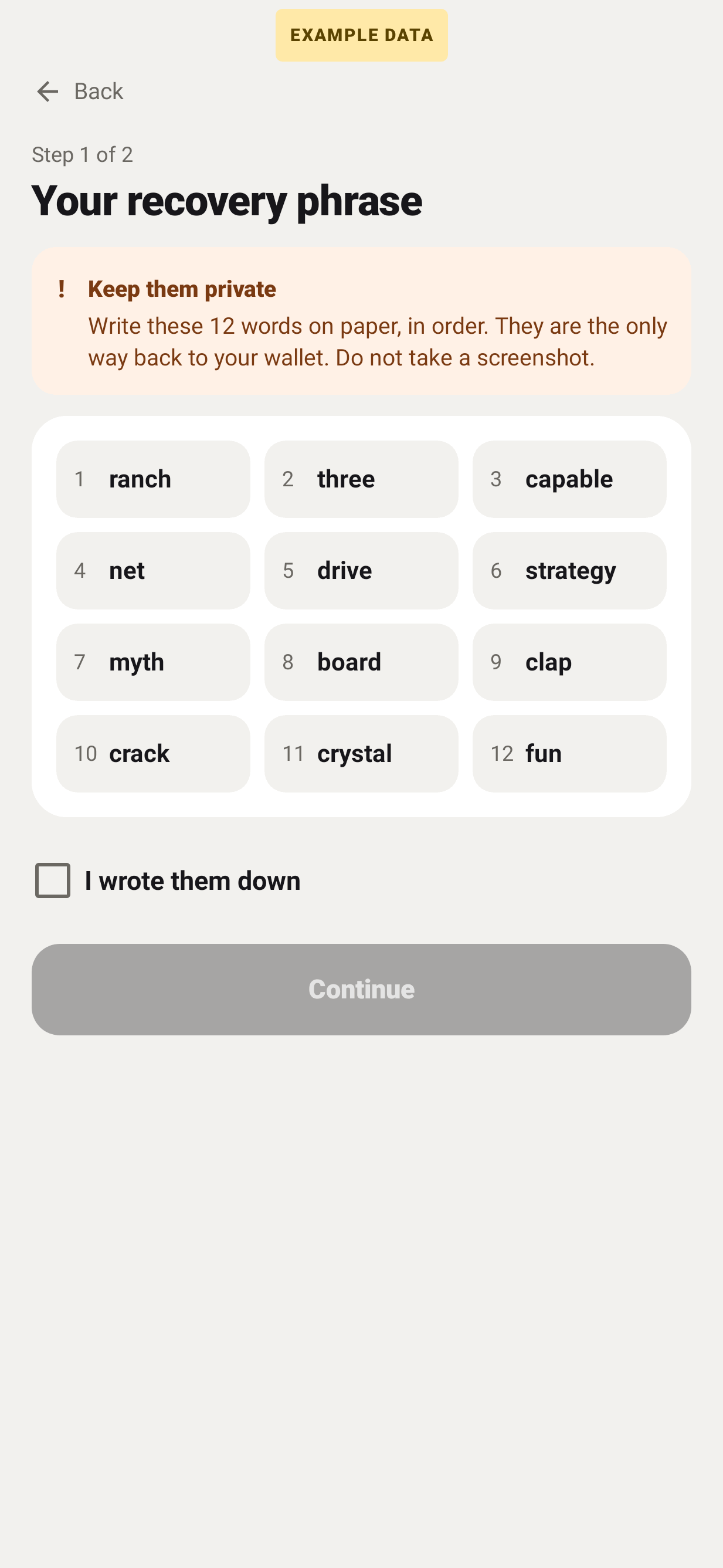
- A 12-word phrase is created on the device (BIP-39, derivation path
m/44'/60'/0'/0/n), or the user imports a 12/24-word phrase, a private key, or a watch-only address (which cannot sign). - Secrets are encrypted with an AES-256-GCM key that lives in the Android Keystore. With biometrics on, the key requires authentication; otherwise it requires the PIN. The recovery phrase is shown only after authentication and hides itself after a minute.
- Every signature is confirmed by biometrics (or the 6-digit PIN as the fallback) before the key is opened. The app locks after a time the user chooses.
- Outside example builds the app sets
FLAG_SECURE, which blocks screenshots and screen recording of its screens. Backups are off (allowBackup="false"). - The permissions are Internet, Biometric, and Camera (asked only when the user taps Scan to read a QR code).
- No code in
:corelogs or stores a key. The backend has no endpoint that accepts one.
02The signing screen
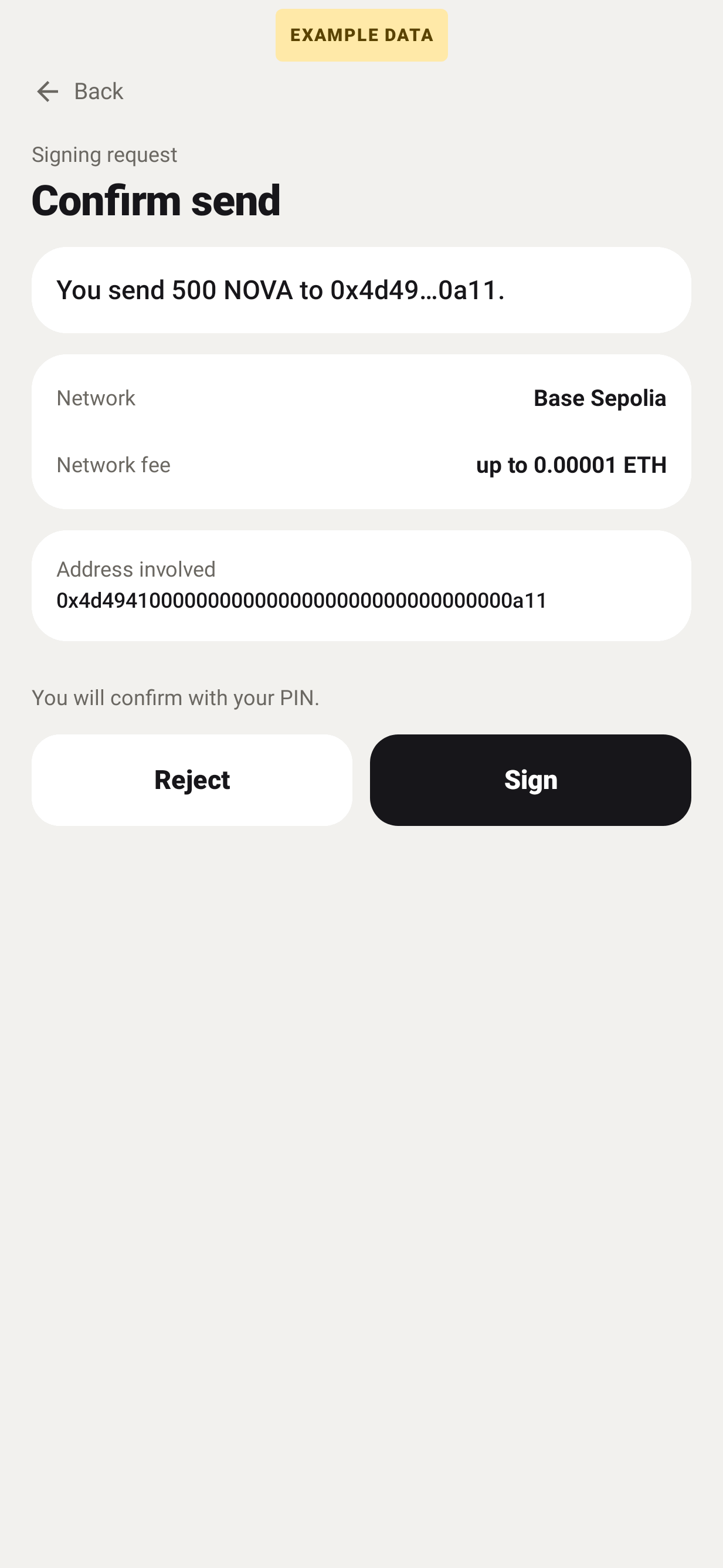
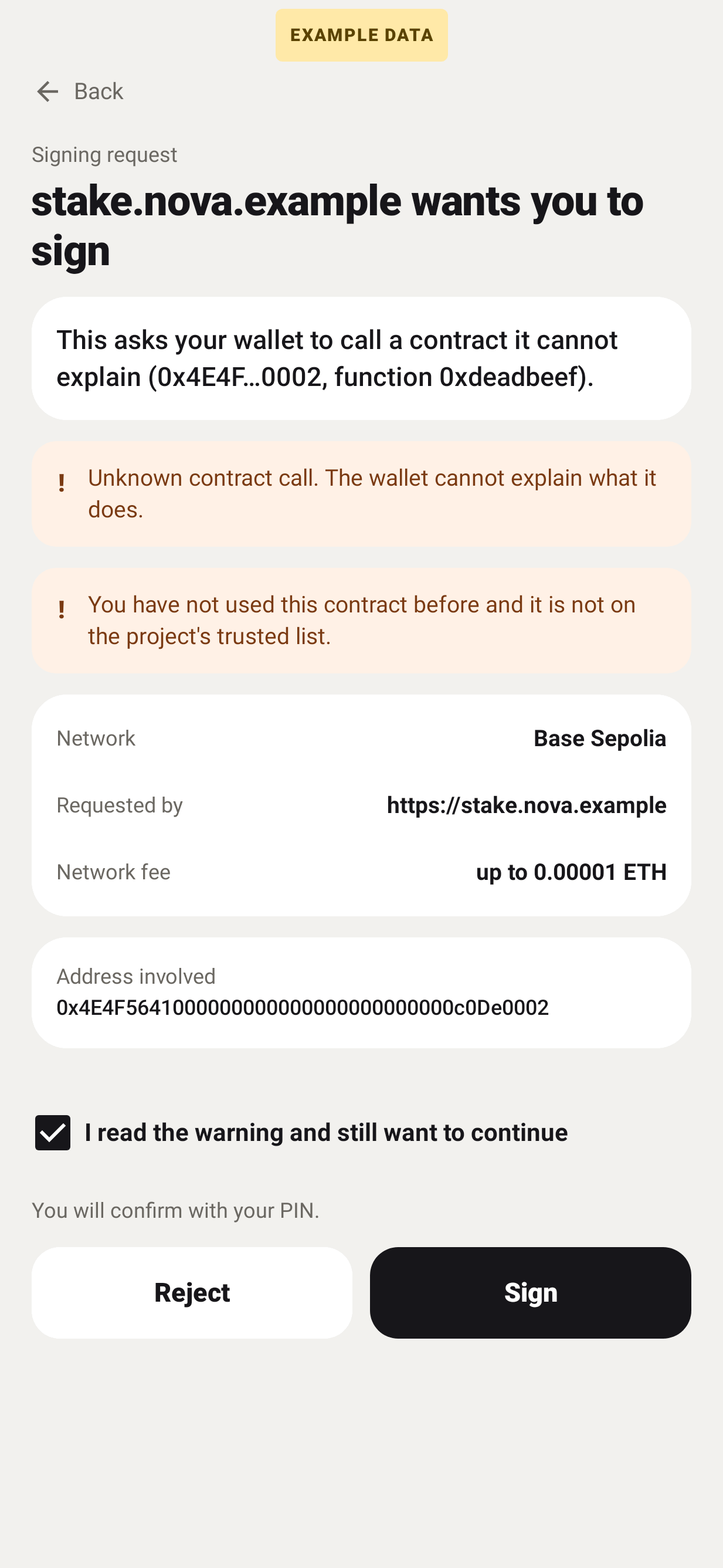
One screen explains every request in plain words before anything is signed: a send, a swap, an approval, a dapp request, a claim or a message. Each request gets a verdict, enforced in code (and by the signing coordinator again, so a modified screen cannot skip it).
| Verdict | What the user can do | Examples |
|---|---|---|
| ALLOW | Authenticate and sign | A normal send to a known address, a verified 0x swap |
| WARN | Tick "I read the warning", then authenticate and sign | An address not used before and not on the project's list, an unknown contract call, a contract creation, an approval for a whole collection, a message that is not readable text, an unknown typed-data type |
| BLOCK | No Sign button: only Cancel | An unlimited token approval, the zero address as recipient, a signature for another chain than the wallet's, a claim that also sends value |
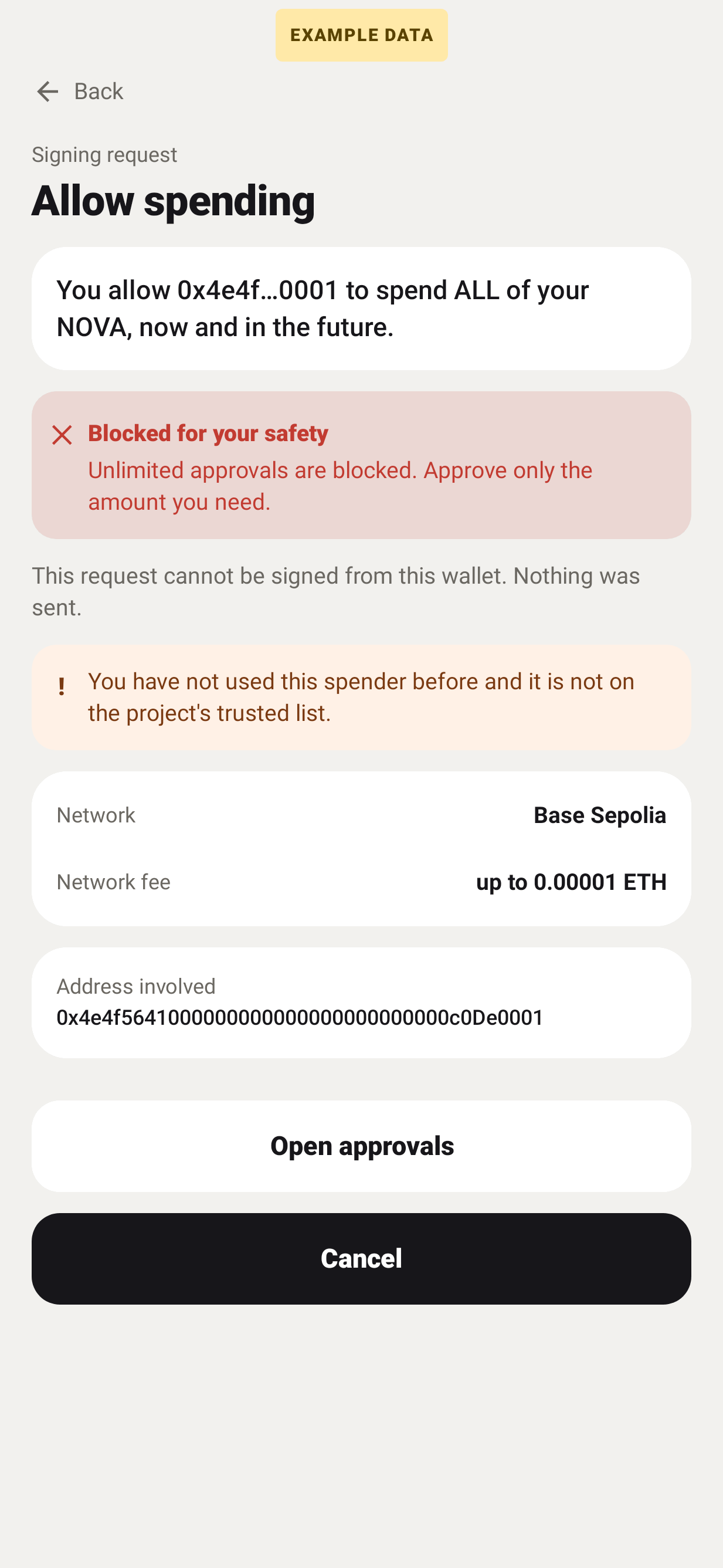
An approval for a limited, exact amount is allowed with the findings that apply. A revoke (approve to zero) is treated as a revoke only on a token the wallet recognises. Off-chain permit signatures are flagged because they give the spender real access to tokens.
03Swap verification
The backend's answer is input, never authority. Before the app calls a swap "a 0x swap" it checks, from the transaction itself, that it goes to the 0x AllowanceHolder address hardcoded in the app for that chain, carries the right value, and calls exec with the sell token and amount shown on screen, and that the Settler contract it targets is the one in 0x's on-chain registry, read through public RPC endpoints pinned in the app (every endpoint that answers must agree). It also decodes the output: the recipient must be the user's own account, the buy token the one shown, and the minimum amount at least the one shown. An approval whose spender is not the hardcoded AllowanceHolder is refused.
If a check cannot be made, for instance because the phone cannot reach the pinned public endpoints, the swap still works behind the unknown-contract warning, and "at least" is not shown. Settler addresses change with 0x releases, which is why they are read on-chain and never hardcoded.
04Approvals list and revoke
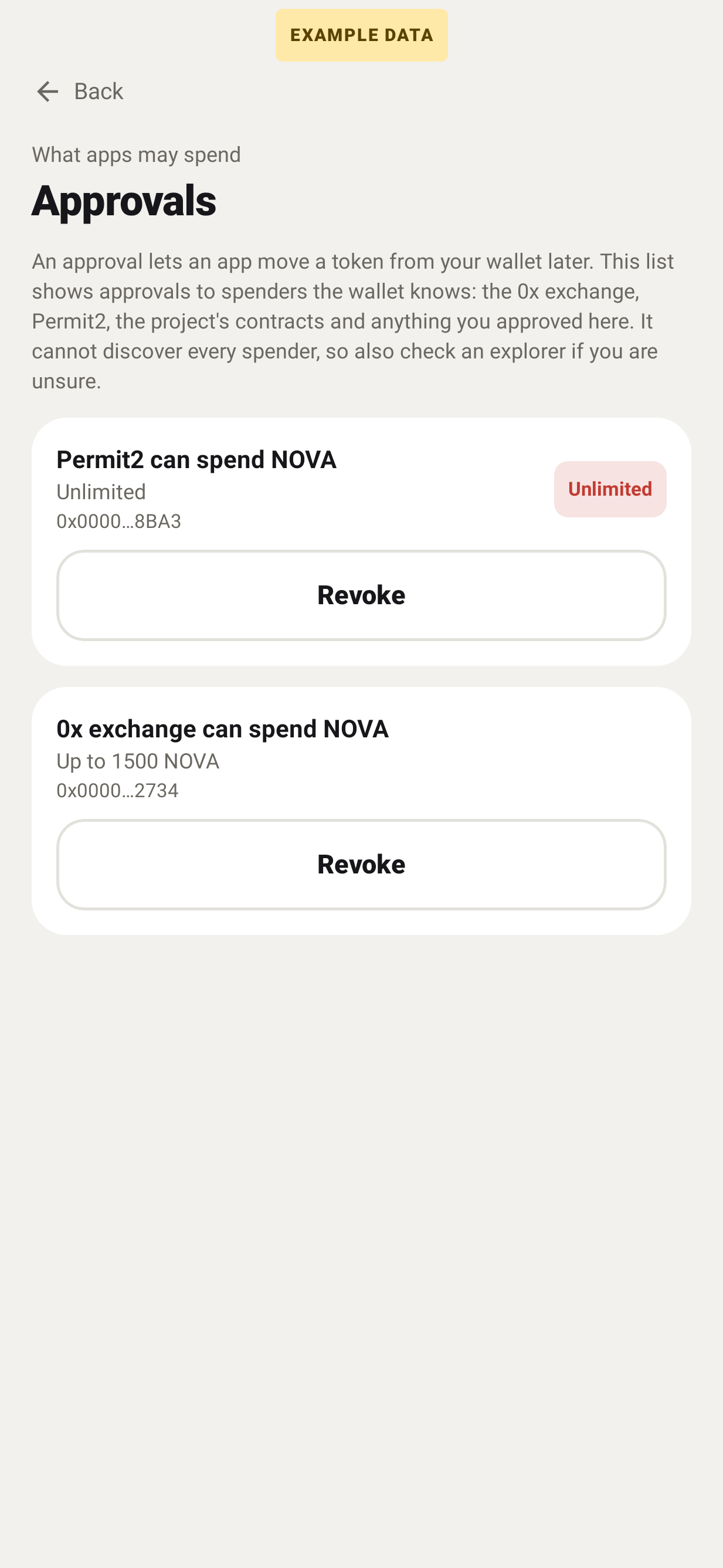
Settings, Approvals lists approvals to spenders the wallet knows (0x, Permit2, your project's contracts, anything approved in the app). It cannot discover every spender, and says so: users should also check a block explorer.
05The dapp browser
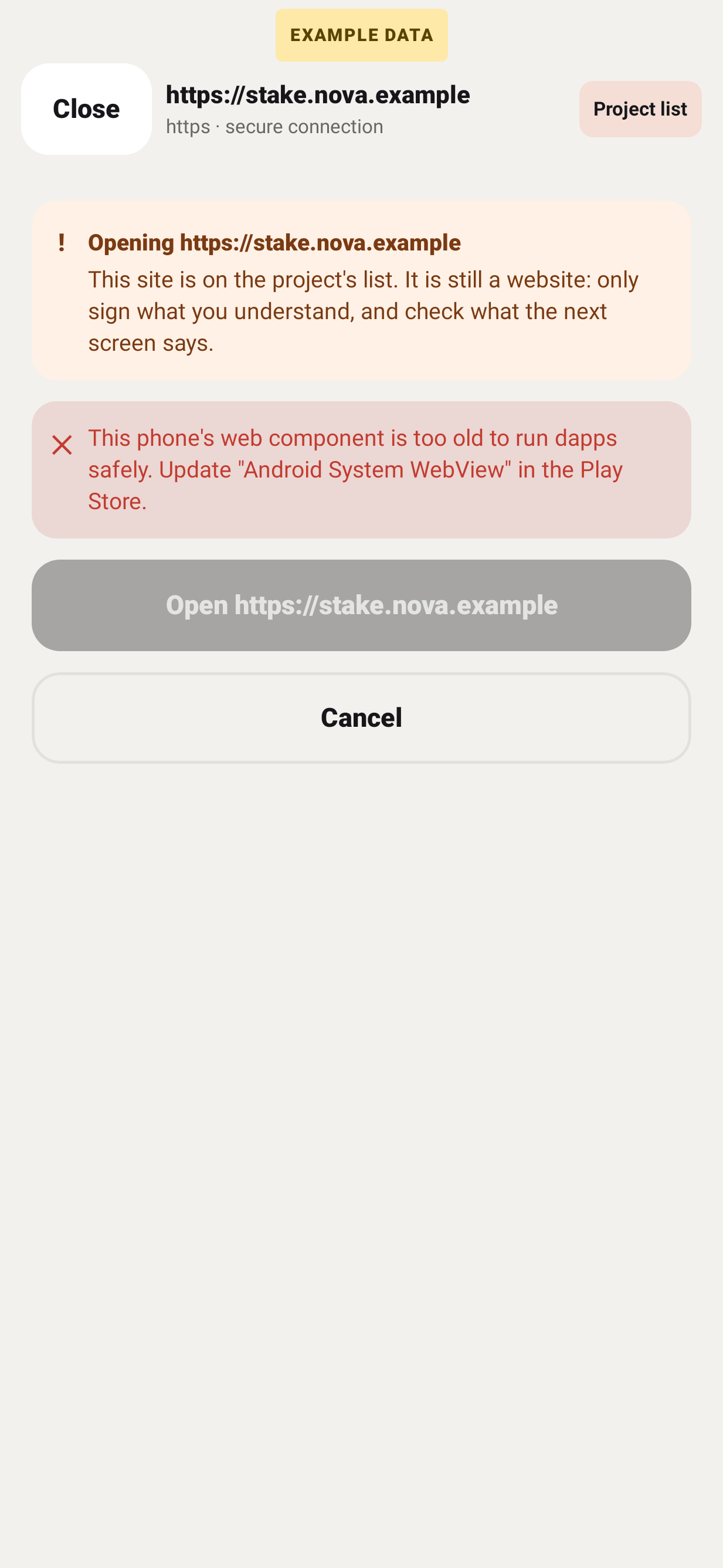
- Only
httpandhttpspages. The page's real origin is read from the browser engine (main frame only); addresses with embedded user names are refused. - A page is connected to one account for one origin, after the user approves. Switching the active account disconnects it.
- Pages can read only through a fixed list of JSON-RPC methods. Anything that moves value or signs goes through the signing screen.
eth_sign, the legacy typed-data methods andeth_signTransactionare refused as unsafe.wallet_addEthereumChainis refused: the project decides which networks exist.- Featured dapps from your allowlist open behind a note; other sites and plain http carry stronger warnings. The browser needs a current Android System WebView; on a phone with an old one the app asks the user to update it.
06Backend and console
- Firestore rules deny everything by default; nothing is client-writable.
- Third-party keys are write-only in the console, encrypted at rest with
ADMIN_SECRET_KEY, and never returned by any API. - Fee parameters from a client are ignored; the fee is validated on every call.
- The RPC proxy forwards only validated, read-only methods plus broadcasting a signed transaction. Claim-proof URLs must be public https hosts; private, loopback and link-local addresses are refused.
- The first console owner is created with a one-time setup code; there is no default password. Roles, an audit log and setting history are built in.
- Rate limits identify callers by a hash of the IP address only.
07What stays your job
Keep your service-account key, ADMIN_SECRET_KEY, the 0x key and your Play signing key private and backed up. Have your own security review before you promote the wallet to many users. No software can protect a user who shares a recovery phrase.