
Project staking
stake, unstake and claim on your contract.
If your project already runs a StakingRewards-style contract, the wallet can offer stake, unstake and claim. The app states no yield and promises nothing.
01What it does
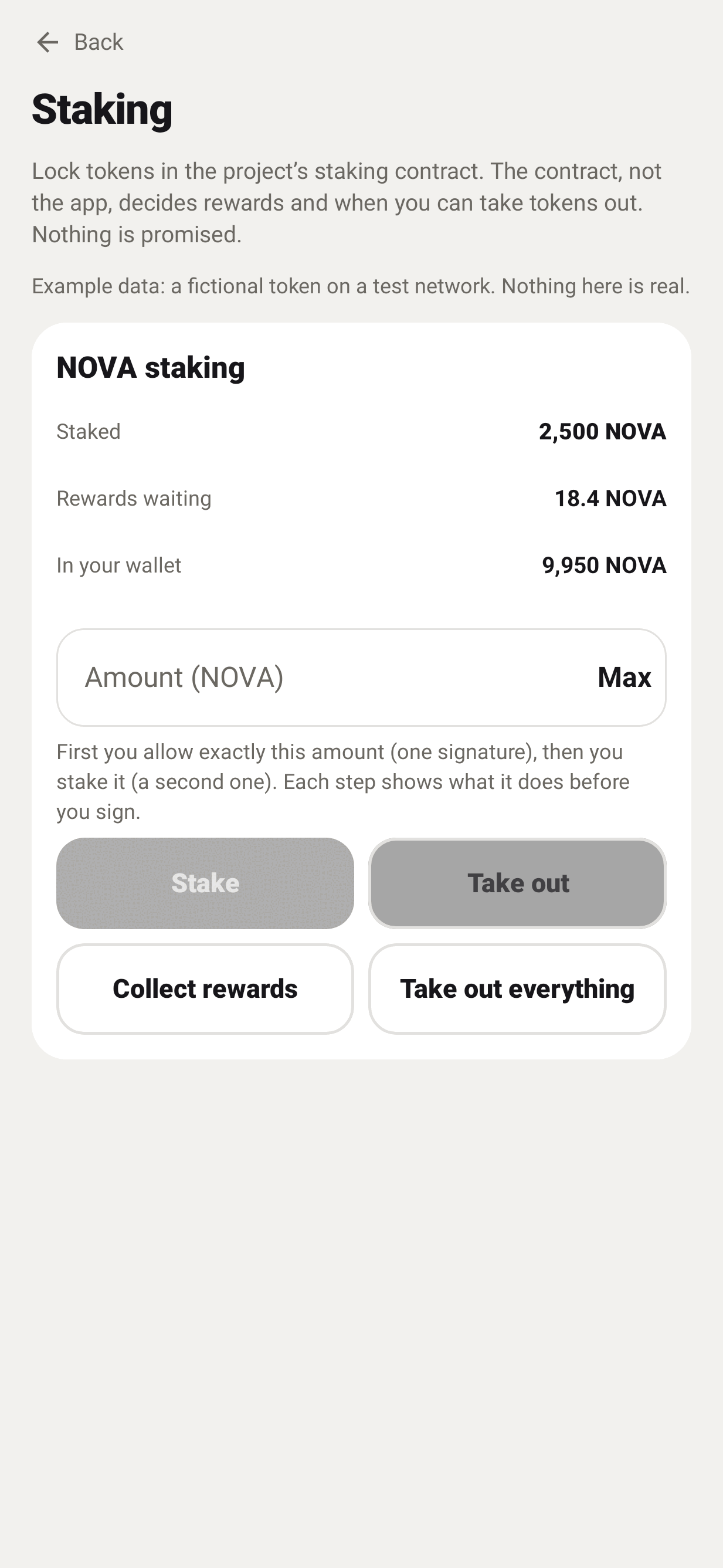
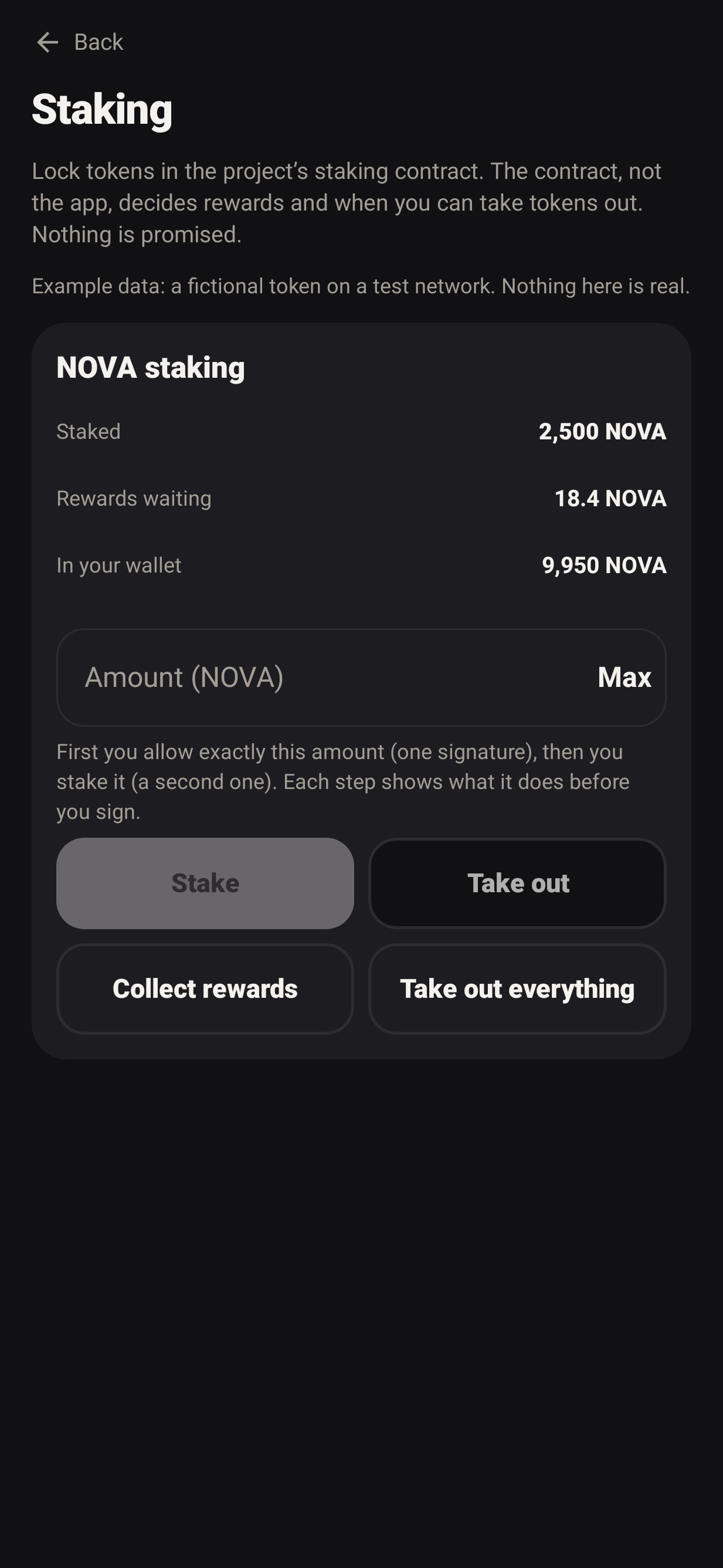
The wallet reads a staking contract you deploy and operate yourself and lets a holder stake, unstake and claim. The code supports the common interface only: stake, withdraw, getReward, earned and balanceOf. The wallet does not create, fund or audit the contract.
02Switch it on in the console
- Staking contractsAdd one line per contract:
chain id|0xstaking|0xstake token|0xreward token|Title. Up to five. - ChainThe chain must be on under Chains. The kind of every entry is fixed to the supported interface, so other ABIs are never offered.
You deploy, fund and audit the staking contract and you decide what to say about it. The app shows the amount staked and the pending amount as read from the chain, with no percentage, no APY and no promise. Keep your store listing and texts in the same spirit and check the rules that apply to you.
03What the holder sees
A card with the staked amount and the pending reward read from the contract, and Stake, Unstake and Claim buttons. Staking first needs an approval of the stake token: the app asks for the exact amount, never unlimited, and the signing screen blocks unlimited approvals anyway.
04Security notes
- Every call goes through the one signing screen. The decoder recognises stake, withdraw and claim calls to a contract from your list and describes them in words.
- A staking call to an address that is not in your list is shown as an unknown contract call: the "new address" warning needs a tick. The same applies if you list a contract and the holder has never used that address before.
- The staking list can only be written in the console, by owner and manager roles, and every change is in the audit log.